eclipse项目添加Junit的操作教程
来源:互联网
时间:2026-02-14 21:17:03
eclipse项目添加Junit的操作教程

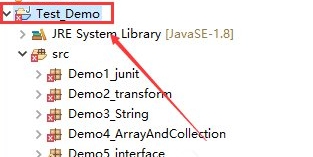
首先选中这个项目,右键单击
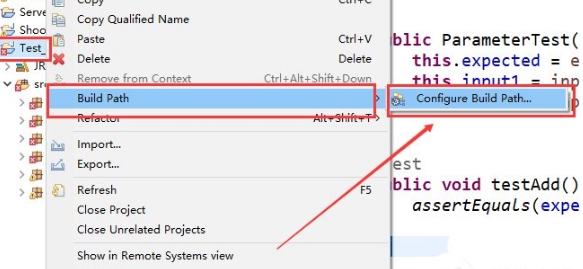
选中Build Path -》Configure Build Path.。。这个选项
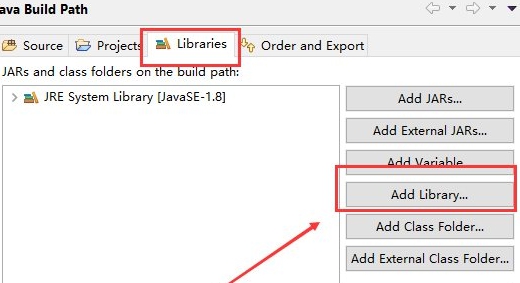
选择 Libraries 这个选项,然后点击Add library
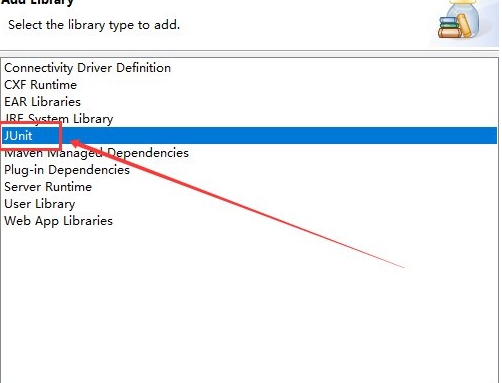
选择Junit 这个选项
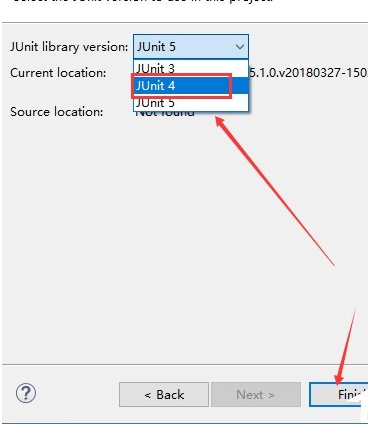
选择 Junit4 这个选项
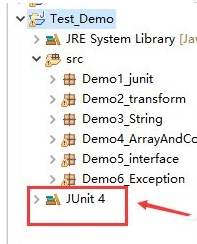
点击 Apply and Close 这个选项,最后就能看到项目下面有一个Junit 4这个东西