Vscode怎么打开自然语言搜索?Vscode打开自然语言搜索的方法
来源:互联网
时间:2026-02-10 20:44:08
Vscode怎么打开自然语言搜索?Vscode打开自然语言搜索的方法
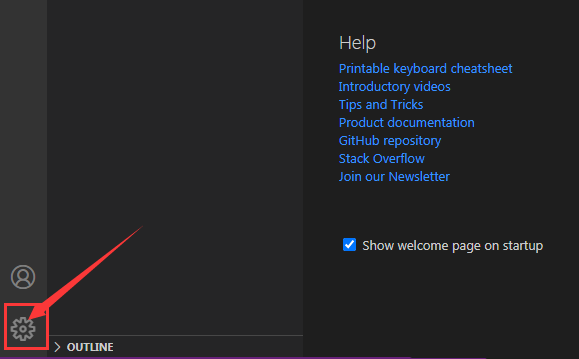
1.打开界面后,点击左下角的设置菜单。
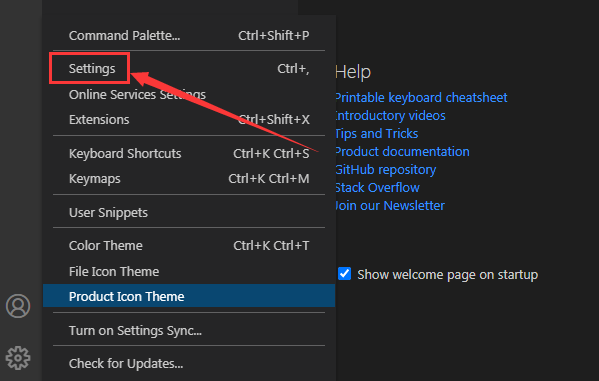
2.找到settings栏目。
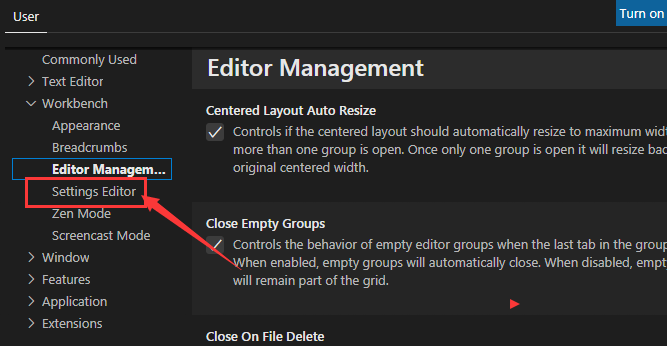
3.在弹出的新窗口页面左侧点击settingseditor选项。
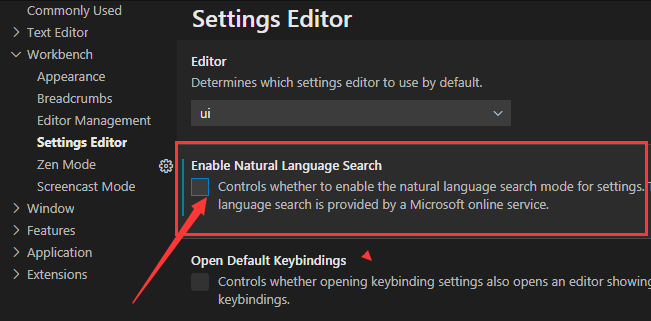
4.最后找到enable natural language search按钮点击勾选即可。